Best AI Tools for Authors 2026 (15 Tested, 5 Worth It)

Reviewed by the ManuscriptReport team. We've helped 2,000+ authors prepare books for market since 2023. Last updated May 2026.
How we tested: Hands-on use across multiple manuscript projects in fiction and non-fiction. Pricing and feature claims verified against official sources in May 2026. We re-check pricing and re-test the leaders every 6 months.
Quick answer: which AI tools should authors actually pay for?
The best AI for writing a book in 2026 is Sudowrite for fiction and Claude for non-fiction. The best AI book editor is ProWritingAid for the deep pass and Hemingway (free) for readability. For marketing the finished book, ManuscriptReport.com generates the full launch toolkit from one upload.
Here's the breakdown by stage:
- Drafting fiction: Sudowrite. Built for novelists, not generalists.
- Drafting non-fiction: Claude (Pro plan, 1M-token context). Better than ChatGPT for book-length work.
- Editing: ProWritingAid for deep edits, Hemingway for readability, Grammarly for the final spelling pass.
- Marketing: ManuscriptReport.com (our product, see disclosure below). Blurb, keywords, comp titles, ad copy from one upload.
- Best free pick: Hemingway Editor's web version + Grammarly free + Claude's free tier.
If you only buy one tool, buy the one that fixes the bottleneck you're stuck on right now. Most authors don't need a writing AI. They need an editing pass or marketing copy they can ship today.
Every tool we tested at a glance
| Tool | Best for | Price (2026) | Skip if |
|---|---|---|---|
| ManuscriptReport.com | Marketing the finished book | $40–$149 one-time | You're still drafting |
| Sudowrite | Drafting fiction | $10–$59/mo | You write non-fiction |
| Claude | Drafting non-fiction | Free / $20 / $100/mo | You want author-specific templates |
| ProWritingAid | Manuscript editing | $79/yr or $399 lifetime | You only need basic grammar |
| Grammarly | Final grammar pass | Free–$30/mo | You think Grammarly alone is enough |
| Hemingway Editor | Readability check | Free web / $19.99 desktop / $10/mo Plus | You need anything beyond readability |
| Wordtune | Sentence-level rewrites | Free / $6.99–$9.99/mo annual | You need help with structure or marketing |
| Effidit | Free editing in English or Chinese | Free | You can budget for ProWritingAid |
| NovelAI | Privacy-focused fiction drafting | Free / $10 / $15 / $25/mo | You want the most capable AI |
| Sassbook | Free experiments only | Free / $39 / $59/mo | You're working on a real book project |
| AI Dungeon | Brainstorming sandbox | Free / $10–$50/mo tiers | You're trying to draft a real book |
| Jasper | Marketing teams writing in volume | $39–$69/mo | You're a single author |
| Copy.ai | Marketing copy at enterprise scale | Free / $49 / $249/mo | You don't have a marketing team |
| Writesonic | High-volume blog content | Free / $16 / $49/mo | You don't blog regularly |
| Rytr | Budget marketing copy | Free / $9 / $29/mo | You can afford Jasper or use a free LLM |
We tested 15 AI tools across writing, editing, and marketing books. Most aren't worth paying for. A few are.
There's no single AI that does the whole job well. The tools that promise to write your book end-to-end produce output that needs heavier editing than starting from scratch. The tools that work are the narrow ones, built for one job and good at it.
What follows is the ranking by category. Writing tools first, then editing, then marketing.
If you read nothing else: pick the tool that fixes the bottleneck you're stuck on right now. Don't buy a writing AI if your draft is finished and you can't edit. Don't buy an editor if you have nothing drafted. Match the tool to the problem.
Best AI for writing a book
For drafting fiction, the answer is Sudowrite. For drafting non-fiction, Claude. The other tools in this category are either too narrow, too weak, or built for different audiences.
Sudowrite: the AI most fiction authors should pay for
Sudowrite isn't trying to write your novel for you. It's trying to be a faster, smarter version of the question "what could happen next?"
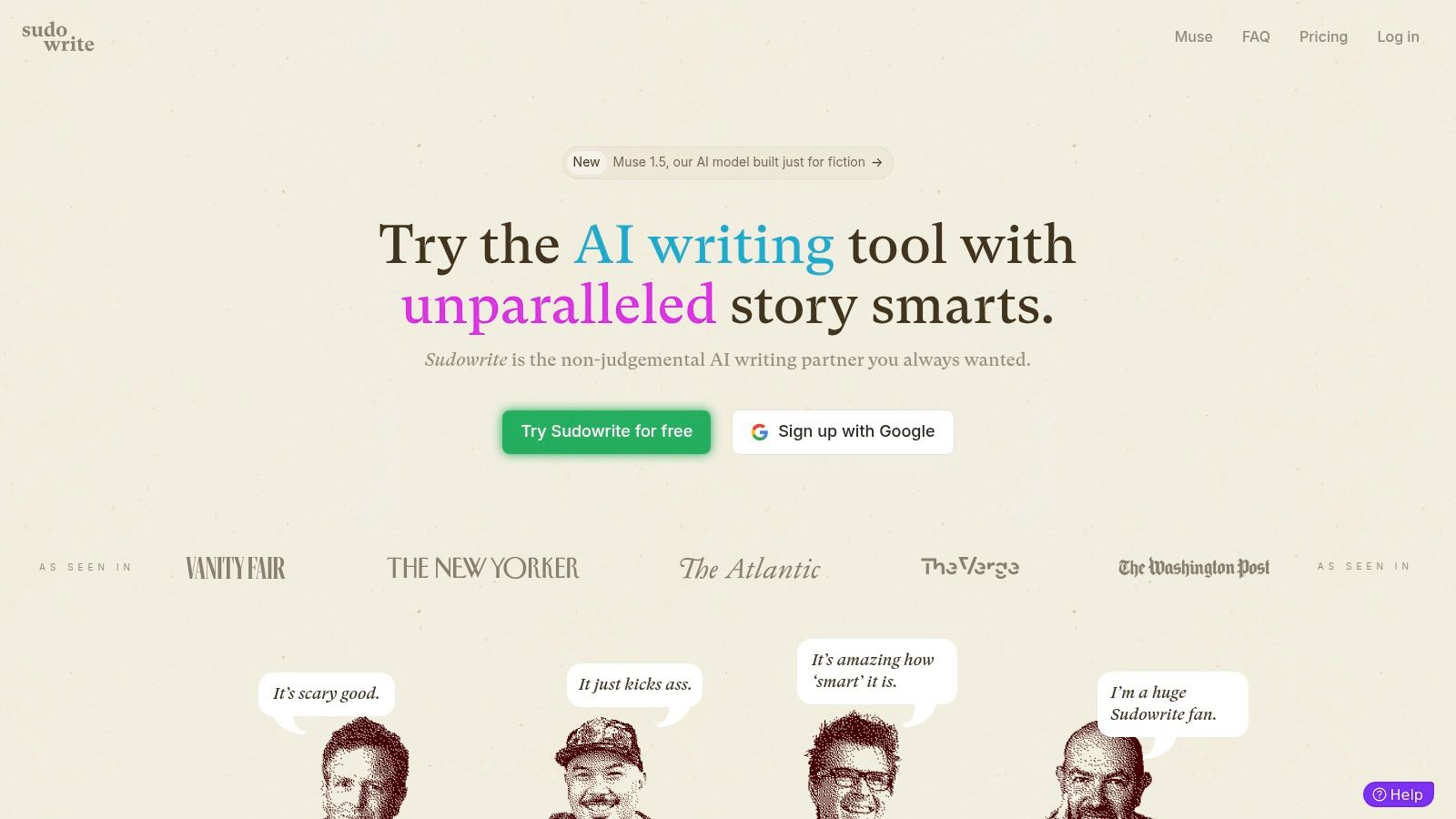
The "Describe" feature pulls sensory detail when you're writing a flat scene. "Twist" generates plausible plot directions when you're stuck. "Brainstorm" handles character names, magic system rules, and location descriptions. None of these are revolutionary in isolation. The combination, integrated into the drafting flow, is what makes it worth paying for over generic AI chat.
The Story Engine 3.0 feature takes a premise and produces a beat sheet, then expands beats into chapters. Useful as a starting point. Don't expect to publish what it gives you without heavy revision.
What it does badly: long structured non-fiction. Don't use it for memoir, business books, or how-to. It's built for fiction and shows.
Best for: Fiction writers in the drafting phase, especially when stuck on description or plot.
Skip if: You write non-fiction. Or your draft is finished and you need an editor instead.
Pricing (2026):
- Hobby & Student: $10/mo annual ($19/mo monthly), 225K credits
- Professional: $22/mo annual ($29/mo monthly), 1M credits
- Max: $44/mo annual ($59/mo monthly), 2M credits with rollover
- Free trial: ~10K credits, no card required
Verdict: Start with the free trial. If you write fiction, upgrade to Professional. The Hobby tier credits run out fast on a real novel.
Website: https://www.sudowrite.com/
Claude: the best AI for writing non-fiction books
For drafting non-fiction books in 2026, Claude is the answer.
What matters: Sonnet 4.6 and Opus 4.7 ship with a 1M-token context window (Anthropic, March 2026). That's enough to hold a full book draft in memory and keep your argument consistent across chapters. ChatGPT can't match this without splitting work up across separate conversations.
The downside: prompt-writing has a learning curve. Getting useful long-form output takes a few sessions of trial and error. Claude doesn't ship with author-specific templates the way Sudowrite does.
For business books, memoirs, or how-to guides, the workflow that works: outline in Claude, draft chapter by chapter, run each chapter through ProWritingAid for editing, then through ManuscriptReport for the marketing layer.
Best for: Non-fiction drafting where chapter-to-chapter consistency matters.
Skip if: You want a tool with author-specific templates. Use Sudowrite for fiction or Jasper for marketing copy instead.
Pricing (2026):
- Free tier: limited messages per day, no card required
- Pro: $20/mo. Unlimited messages, full 1M-token context window
- Max: $100/mo. Priority access, faster responses
Recommendation: Pay $20/mo for Pro if you're drafting non-fiction. The free tier is enough for testing.
Website: https://claude.ai/
NovelAI: useful only if privacy matters to you
NovelAI gets recommended in fiction-writing forums for one feature: it lets you train it on your own writing style and stores everything encrypted.

In practice, the style customization works inconsistently. The Llama-based models on Scroll and Opus tiers are competent but not as strong as Sudowrite's underlying mix of Claude and OpenAI models. The 28K-token context limit is also tight compared to modern alternatives. (For reference, Claude Sonnet 4.6 ships with 1M.)
Where NovelAI still wins: privacy. Stories are encrypted. The company doesn't train on your content. If that matters more than output quality, the tradeoff might be worth it.
Best for: Fiction writers who care about story privacy and want a tool that doesn't share their drafts with model training.
Skip if: You want the most capable AI co-writer. Sudowrite is better in 2026. Or you need long context. The 28K-token limit is small.
Pricing (2026):
- Free Paper Tier: 50 generations/mo, 30 image generations
- Tablet: $10/mo. 16K-token memory, Kayra 13B model
- Scroll: $15/mo. 32K-token memory, Llama 3 Erato 70B
- Opus: $25/mo. 28K context, advanced features, 10K image credits
Our take: Useful for the privacy use case. Otherwise Sudowrite is the better fiction tool.
Website: https://novelai.net/
AI Dungeon: a brainstorming sandbox, not a writing tool
AI Dungeon is an interactive fiction game. You type actions, the AI generates story continuation. It's fun. It's also useless for actually drafting a book.

Some authors use it as a brainstorming sandbox: drop your character into a scenario, see what the AI does with it. As a "what if?" generator, it has some value. As a writing tool, no.
Best for: Brainstorming "what if" scenarios. Breaking writer's block by playing with character reactions.
Skip if: You're trying to draft an actual book. Use Sudowrite for fiction.
Pricing (2026):
- Free: basic AI storytelling features
- Champion: ~$10/mo. Up to 8K context tokens
- Legend: paid tier. Up to 16K context tokens
- Mythic: highest tier. Up to 32K context tokens (~$50/mo at top end)
Bottom line: Free tier only. The paid tiers are for AI Dungeon power-users, not authors.
Website: https://play.aidungeon.io/
Sassbook: outdated, weaker than free alternatives
Subscribe & Get Your Free Marketing Plan Template
Receive regular updates on marketing best-practices, AI shortcuts, and get our proven 4-phase marketing roadmap for free.
Unsubscribe anytime.
Sassbook has been around since the early GPT days and hasn't kept pace. The interface is fine. The underlying model isn't.
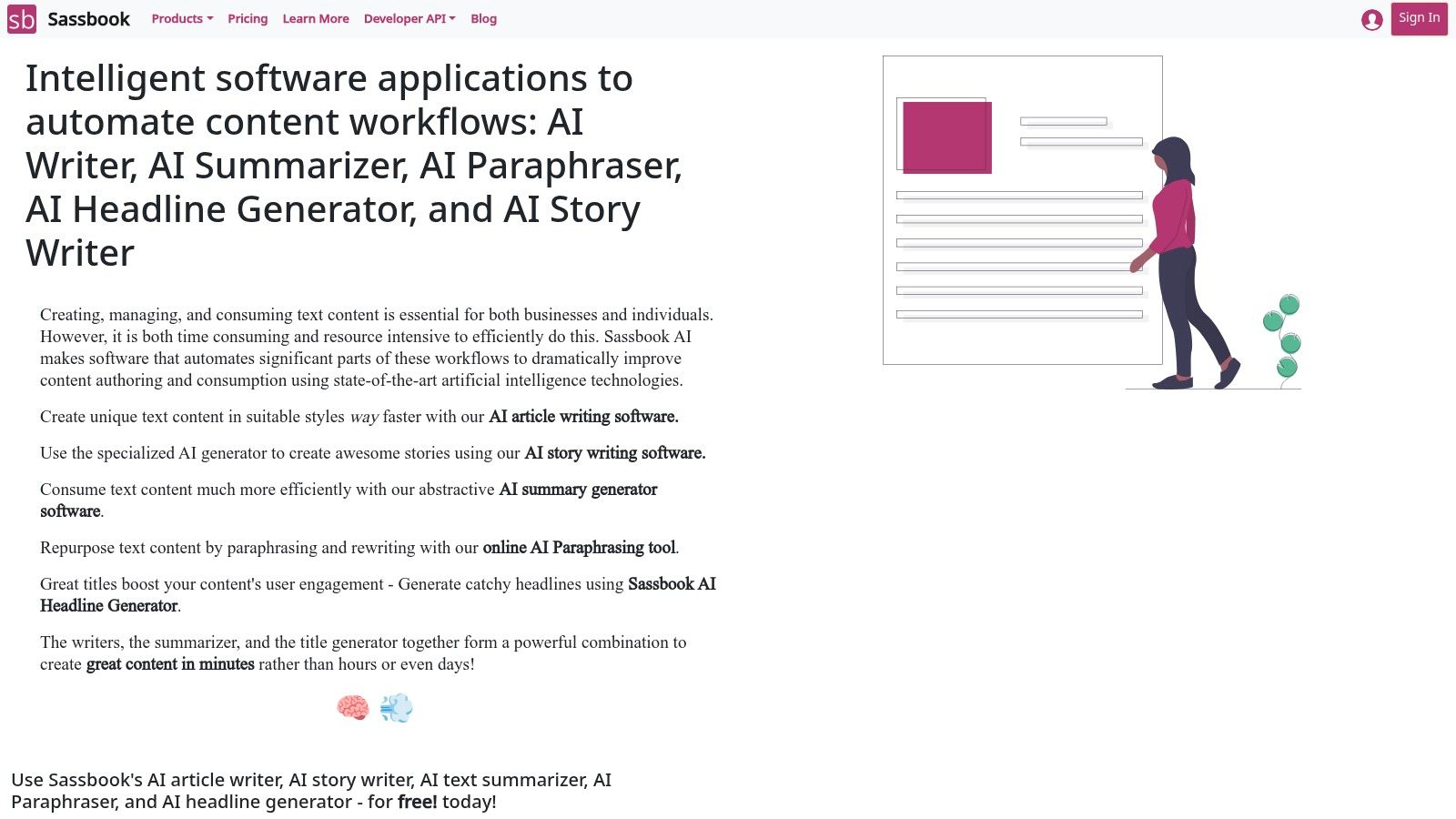
In 2026, Sassbook's output is noticeably weaker than Claude's free tier, ChatGPT's free tier, or Sudowrite's free trial. There's no good reason to pay for it when those alternatives exist.
Best for: Quick experiments where you don't want to sign up for anything that requires a card.
Skip if: You're serious about a book project. Use Sudowrite for fiction, Claude for non-fiction.
Pricing (2026):
- Free: basic access with daily limits
- Standard: $39/mo ($32.50/mo annual)
- Premium: $59/mo ($49.16/mo annual)
Our take: Skip the paid tiers. The free tier is fine for one-off experiments.
Website: https://sassbook.com/
Best AI book editor
For editing, the answer depends on what kind of edit. ProWritingAid does the structural and stylistic pass. Hemingway catches dense prose. Grammarly handles the final spelling sweep. The mistake most authors make is trying to do all three with one tool. Use the right tool for each pass.
ProWritingAid: the deep editor on this list
Where Grammarly checks sentences, ProWritingAid analyzes your whole manuscript: pacing, sentence length variation, dialogue tags, sticky sentences, repeated phrasing, readability, and 15+ other dimensions.
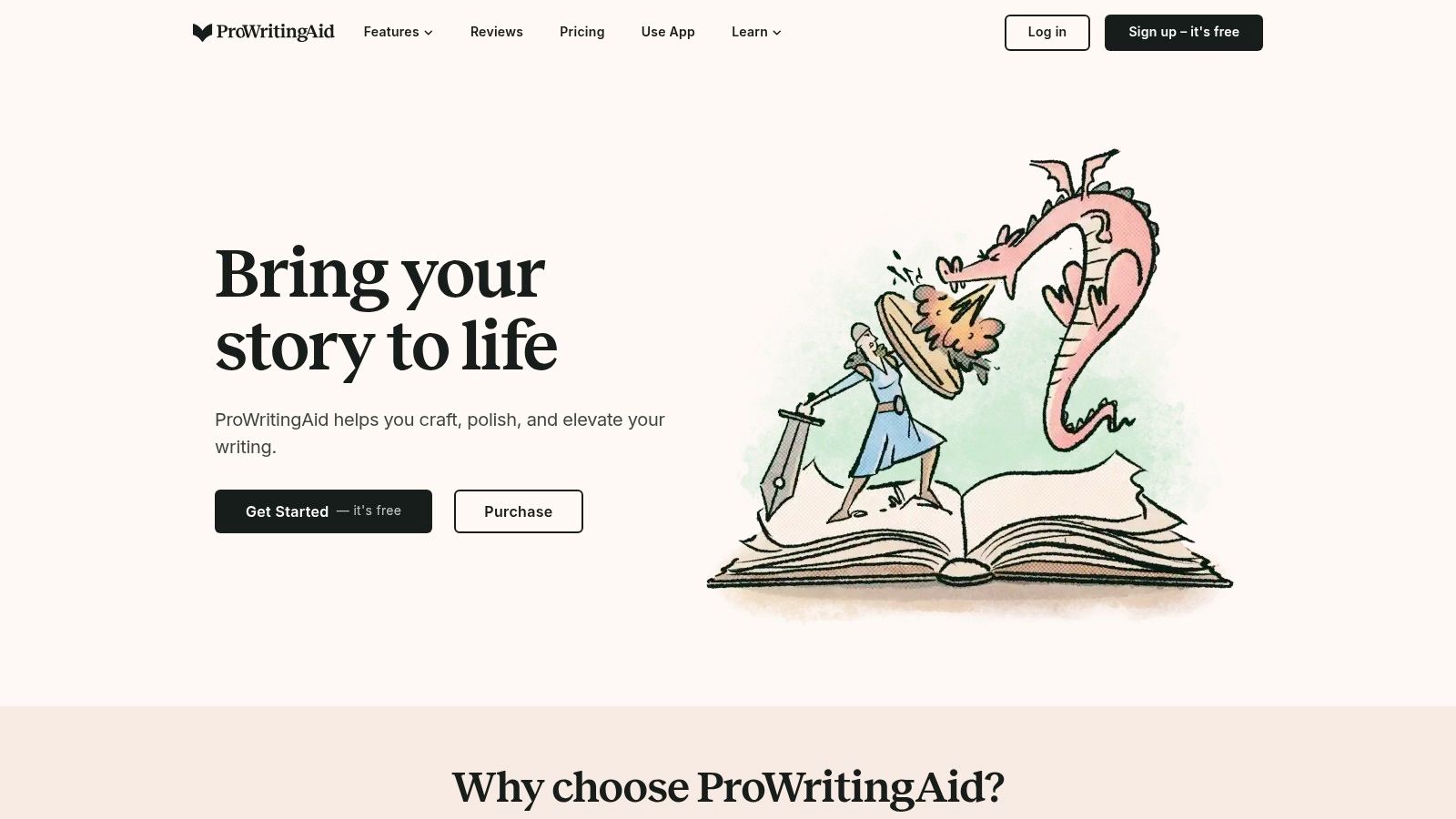
The 20+ reports are useful but overwhelming on first use. Don't try to fix everything. Pick three reports per pass: Pacing, Sentence Length, and Sticky Sentences are the most useful for fiction. For non-fiction, swap Sticky Sentences for Readability.
It integrates directly into Scrivener and Word, which matters more than the marketing makes it sound. The web editor chokes on long manuscripts. Edit in your normal writing environment, not in their browser. If you're considering leaving PWA, the 9 best ProWritingAid alternatives for authors covers AutoCrit, Fictionary, LanguageTool, and the cancel-and-rejoin tactic that keeps PWA cheaper than switching for most users.
Best for: Self-editing a manuscript before you send it to a paid editor.
Skip if: You only need basic grammar checks (use Grammarly free instead). Or you write very short pieces. ProWritingAid is built for long-form.
Pricing (2026):
- Premium: $79/year (or $20/mo monthly)
- Premium Lifetime: $399 one-time
- Premium Pro: $144/year (or $12/mo annual) or $699 lifetime. Adds 50 AI Sparks/day and priority support
Verdict: Buy the $399 Premium Lifetime if you plan to write more than one book. The $79/year works for a single book.
Website: https://prowritingaid.com/
Hemingway Editor: still the best free readability tool
Hemingway flags hard-to-read sentences in red, very-hard sentences in yellow, passive voice in green, adverbs in blue, and gives you a grade level. That's the whole tool.
It hasn't changed much since 2014. The narrow scope is why it still works. The free web version covers what most authors need.
Best for: Catching dense, unreadable prose in any genre. Especially useful for non-fiction.
Skip if: You need anything beyond readability. Use ProWritingAid for deeper analysis.
Pricing (2026):
- Free web version: full readability features, no account required
- Desktop app: $19.99 one-time (Mac or Windows). No AI features
- Editor Plus subscription: $10/mo. Adds AI rewrites
- Free 2-week trial on Editor Plus
Bottom line: Use the free web version. Skip the desktop app and the Plus subscription. The free version is enough.
Website: https://hemingwayapp.com/
Grammarly: the spell-check that travels with you
Grammarly's free tier covers what most authors need: grammar, spelling, basic style. The Pro tier adds AI rewrites, tone detection, and plagiarism checking.
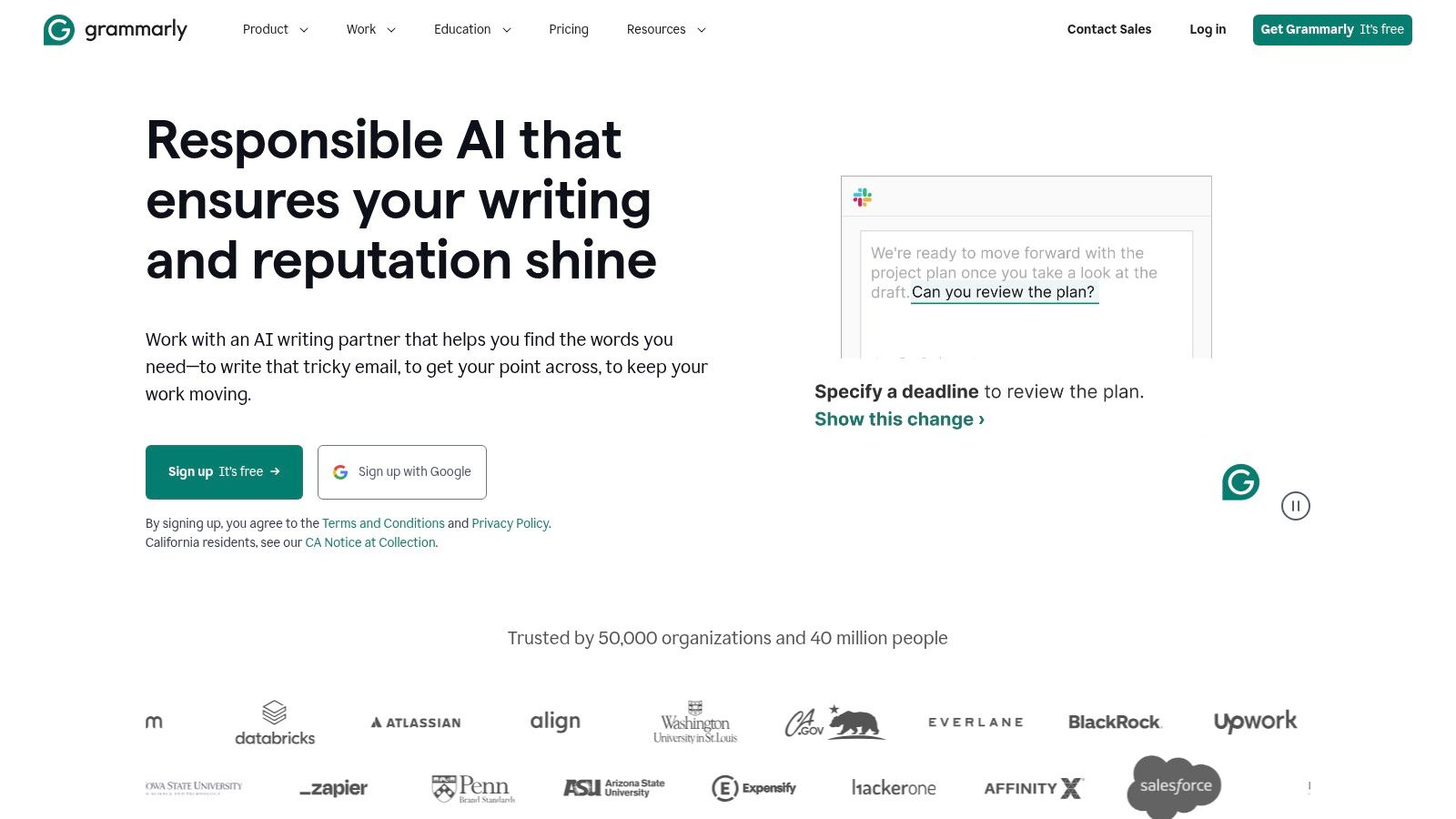
Where it's strong: catching small errors as you type, across every browser tab and Word document you use. The Microsoft Word, Google Docs, and browser integrations are why most authors keep it installed even when they have ProWritingAid.
Where it's weak: anything past the sentence level. It won't tell you a chapter is paced badly. It won't catch repeated phrasing across a manuscript. It won't critique your voice. Most authors run Grammarly at the very end, after the heavier editing tools have done their work.
Note: Grammarly consolidated their plans in 2026. Premium and Business are gone. The current lineup is Free, Pro, and Enterprise.
Best for: Final-pass grammar and spelling. Catching small errors during drafting.
Skip if: You think Grammarly alone is enough. It isn't, for a manuscript. Pair it with ProWritingAid or Hemingway.
Pricing (2026):
- Free: grammar, spelling, basic style
- Pro: $12/mo annual ($144/yr) or $30/mo monthly. 2,000 AI prompts, plagiarism detection, full-sentence rewrites, brand tones
- Enterprise: custom (150+ seats)
Recommendation: Use the free version while drafting. Upgrade to Pro only if you need AI rewrites or the plagiarism check.
Website: https://www.grammarly.com/
Wordtune: sentence rewriter, not a writing tool
You highlight a sentence, Wordtune suggests 5–10 alternative phrasings. That's the whole product.

For authors, this is most useful in two cases: revising dialogue (Wordtune handles tone shifts cleanly) and tightening prose where the meaning is right but the phrasing is clunky. It's not useful for drafting, structural editing, or marketing.
The browser extension works in Google Docs, Gmail, and most web editors. The free tier of 10 rewrites a day is enough for casual use.
Best for: Memoir, literary fiction, and projects where sentence-level voice matters more than structure.
Skip if: You need help with structure, plotting, or marketing. This isn't that tool.
Pricing (2026):
- Free: 10 rewrites/day
- Advanced: $6.99/mo annual ($13.99/mo monthly). 30 rewrites/day plus 15 AI summaries/mo
- Unlimited: $9.99/mo annual ($19.99/mo monthly). Unlimited rewrites
- 30% off for students/educators (.edu) and non-profits
Bottom line: The free tier is enough for most authors. Upgrade only if you constantly hit the daily limit.
Website: https://www.wordtune.com/
Effidit: free editor from Tencent
Effidit is a free AI editor from Tencent AI Lab. It does sentence completion, error checking, and text polishing in English and Chinese.

What Effidit gets right: it's free, has no sign-up flow, and doesn't try to upsell. Open the page, paste text, get suggestions. The output is competent for spotting awkward phrasing and grammar errors.
What it doesn't do: long-document analysis, pacing checks, structural editing. It's a sentence-level tool.
Best for: Authors who write in both English and Chinese. Or authors who refuse to pay for editing tools at all.
Skip if: You write only in English and can budget $79/year for ProWritingAid. PWA does substantially more.
Pricing (2026):
- Free, no account required
Verdict: Worth bookmarking as a free backup. Not a primary tool.
Website: https://effidit.qq.com/
Best AI for marketing your book
Disclosure: ManuscriptReport.com is our product. We've put it first in this category because it's purpose-built for book marketing in a way the alternatives below aren't. Read the verdict and decide for yourself. The book marketing services page has more on what's included.
ManuscriptReport.com: book marketing from a single upload (bonus pick)
This is our product, so take this as biased. The reason it leads this category is structural, not promotional.
Most authors finish writing and then face a 30-hour marketing project: write a blurb, pick KDP keywords, find comp titles, draft an Amazon description, write ad copy, build a launch plan. ManuscriptReport handles that from one manuscript upload. The output is a PDF with 17 marketing assets you can use directly.
It's not a writing or editing tool. If you don't have a finished manuscript yet, skip this and come back when you do.
Best for: Authors with a finished or near-finished manuscript who need launch-ready marketing assets. Also publishers and agencies that need consistent output across a catalog.
Skip if: You're still drafting. Or you only need one specific asset. We have free tools for that: book blurb generator, KDP keyword generator, comp title finder, and our new AI book cover generator (3 concept directions from your title + synopsis in about 30 seconds).
What you get:
- Blurb, synopsis, tagline (see how blurb auto-generation works)
- 10 comparable titles with positioning notes
- KDP keywords + BISAC categories
- Audience personas with where-to-find-them notes
- Launch plan + ad copy
- Optional: 20 social media posts with images, 6-10 blog post drafts, book bible
Pricing (2026):
- Metadata Essentials: $40 (blurb, genres, keywords, 5 comps)
- Full Marketing Report: $69 (Essentials + 20 marketing assets)
- Complete Author Toolkit: $149 (Full Report + social posts, blog posts, book bible)
- Publishers and agencies: custom monthly subscriptions with white-labeling
Privacy: Manuscripts aren't used for AI training and are deleted within 30 days.
Verdict: Buy it once you have a finished draft. Replaces $500+ of consultant work and the 30 hours you'd spend doing it yourself.
Jasper: built for marketing teams, not authors
Jasper is built for marketing teams writing landing pages and SaaS copy, not authors writing books. Most of its templates are aimed at marketers, not novelists.

Where it works for authors: book descriptions, ad copy, blog posts on themes from your book, email newsletter drafts. Where it doesn't: drafting fiction, deep manuscript editing, anything voice-specific. Jasper output reads marketing-flavored even when you tune it.
If you're using Jasper for book marketing, ManuscriptReport will probably do the same job for less money, and ManuscriptReport's output is built for authors, not for marketers. See our AI book marketing guide for how the two compare.
Best for: Authors with strong marketing operations who need volume content (lots of blog posts, ad variations, landing page copy).
Skip if: You only need marketing assets for one book. Or you write fiction and need a drafting tool.
Pricing (2026):
- Creator: $39/mo annual ($49/mo monthly). 1 user
- Pro: $59/mo annual ($69/mo monthly). 5 users
- Business: custom (small teams report ~$250–$350/mo)
- 7-day free trial
Bottom line: Skip if you're a single author. Worth considering for author businesses with sustained marketing volume.
Website: https://www.jasper.ai/
Copy.ai: moved upmarket, less useful for authors
Copy.ai used to compete with Jasper at $49/mo for solo creators. In 2026 it repositioned for go-to-market workflows at enterprise pricing. The author-friendly templates are still there, but the company isn't focused on solo creators anymore.
Same use case as Jasper for authors: book descriptions, social posts, author bios. Same downside: marketing-flavored output that needs editing to sound like you.
Best for: Authors who already have Copy.ai from a previous business and want to keep using it.
Skip if: You have ManuscriptReport (which generates author-specific copy) or Jasper. They overlap heavily, and Copy.ai's pricing now assumes a marketing team behind it.
Pricing (2026):
- Free tier
- Pro: $49/mo
- Team: $249/mo
Our take: Don't buy this if you have any other marketing AI tool. The overlap is too high and the pricing has drifted past what's reasonable for solo authors.
Website: https://www.copy.ai/
Writesonic: useful only if you blog heavily
Writesonic is in the same category as Copy.ai and Jasper: marketing copy generators with author-adjacent templates. Strong on SEO blog posts, weaker on book-specific content.
The interface is faster than Jasper for short-form copy in volume. Authors use it for blog posts, ad headlines, and social posts. The output quality is slightly behind Jasper but the pricing is friendlier.
Best for: Authors who maintain a blog or content site and need volume blog drafts.
Skip if: You don't blog regularly. The other tools on this list cover the rest of what authors need.
Pricing (2026):
- Free tier
- Business: from $12.67/mo
- Unlimited: $16/mo
- SEO tools tier: $49/mo
Bottom line: Only worth it for content-heavy author platforms. Most authors don't need it.
Website: https://writesonic.com/
Rytr: budget marketing copy with quality tradeoff
Rytr is the budget AI writer for marketing copy. Generic templates, fast output, low price.
Authors use it for ad headlines, social posts, and email drafts when they don't want to pay for Jasper. The tradeoff is output quality. Rytr's models lag behind Jasper, Copy.ai, and even the free tiers of Claude and ChatGPT. You'll spend more time editing what it produces.
Best for: Authors with very tight budgets who need basic marketing copy and don't want to use a general LLM.
Skip if: You can afford Jasper or ManuscriptReport. Or you have access to Claude/ChatGPT free tiers, which produce better output for the same kinds of tasks.
Pricing (2026):
- Free: 10K characters/mo (~1,500–2,000 words)
- Saver: $9/mo. 100K characters/mo
- Unlimited: $29/mo
Verdict: The free tier is fine for trying it. Skip the paid plans. Better tools at the same price.
Website: https://rytr.me/
Tools we considered but didn't recommend
A few popular tools came up in our research and didn't make the list. Here's why.
- ChatGPT alone: Fine as a generalist starter, but the lack of project memory makes it frustrating for book-length work. For non-fiction drafts, Claude is the better choice (covered above). For fiction, use Sudowrite.
- Authorea: Built for academic papers and theses, not books. Free for public docs, paid for private. Note: a platform migration is scheduled for April 2026. Only preprints with DOIs will move. If you have content there, back it up. Skip unless you write research papers.
- Squibler: Markets itself as an AI novel writer. Output reads generic across every test. The interface is fine; the model isn't strong enough.
- GPT-based "novel writer" apps you see in YouTube ads: The ones promising "write a full novel in a weekend." They produce structurally complete output that no reader will finish.
- Most all-in-one AI book platforms (Inkfluence AI, Spines.com, Atticus's broader suite, etc.): Tools that try to do drafting, editing, cover design, and marketing in one product. Each module is weaker than the specialist tool you'd use instead. For dedicated AI cover tools tested against KDP specs — Midjourney, Ideogram, Adobe Firefly, Canva, and six others, with verified May 2026 pricing — see our AI book cover generator comparison.
If you've used one of these and disagree, fair. We tested under our own conditions. Yours might differ.
Best AI by fiction genre and stage
For fiction authors who want a quick decision:
| Genre | Drafting | Editing | Marketing |
|---|---|---|---|
| Romance | Sudowrite | ProWritingAid | ManuscriptReport |
| Thriller | Sudowrite | ProWritingAid | ManuscriptReport |
| Fantasy | Sudowrite or NovelAI | ProWritingAid | ManuscriptReport |
| Sci-fi | NovelAI | ProWritingAid | ManuscriptReport |
| Literary fiction | Sudowrite | ProWritingAid + Hemingway | ManuscriptReport |
| YA / Middle grade | Sudowrite | Hemingway | ManuscriptReport |
For non-fiction: Most fiction-focused AI tools struggle with structured non-fiction drafting. For business books, memoirs, or how-to guides, use Claude (covered above) for drafts, then ProWritingAid or Grammarly for editing, then ManuscriptReport or Jasper for marketing.
Quick reference by author type
Fiction authors: Sudowrite (drafting) + ProWritingAid (editing) + Hemingway free (readability check) + Grammarly free (final pass) + ManuscriptReport (marketing).
Non-fiction authors: Claude Pro (drafting) + ProWritingAid (editing) + Hemingway free (readability) + Grammarly free (final pass) + Jasper or ManuscriptReport (marketing).
Self-published authors on a budget: Hemingway free + Grammarly free + Effidit + ManuscriptReport ($69 once).
First-time authors: Don't buy the full stack. Pick the one tool that matches your current bottleneck. Add the next tool only when you've outgrown the first.
How to actually choose
After testing all 15, most authors overbuy. They subscribe to four or five tools, use one or two, and feel guilty about the rest.
Three rules to avoid that:
- Solve one bottleneck at a time. If you can't finish drafting, you don't need an editor yet. If your draft is done but unedited, you don't need a marketing AI yet.
- Use free tiers before subscribing. Almost every tool on this list has a free tier or trial. Use them. The paid versions usually justify themselves only after the free version stops being enough.
- Don't pay for overlap. Jasper, Copy.ai, Writesonic, and Rytr all do roughly the same thing. Pick one. ManuscriptReport replaces most of the marketing-tool category for authors anyway.
The right stack in 2026 for most fiction authors is Sudowrite + ProWritingAid + ManuscriptReport. Around $300–500 per year depending on plan choices.
For non-fiction: Claude Pro ($20/mo) + ProWritingAid + ManuscriptReport. Similar total, different first tool.
Frequently Asked Questions
What is the best AI tool for writing a book?
For fiction, Sudowrite. It's built for novelists, not for general content writers. The "Describe" and "Twist" features alone justify the price if you're drafting long-form fiction.
For non-fiction, Claude. Sonnet 4.6 and Opus 4.7 ship with a 1M-token context window, which means it can hold a full draft in mind across chapters in a way ChatGPT can't.
For editing, ProWritingAid. The 20+ analysis reports go far deeper than Grammarly, and it integrates directly with Scrivener and Word.
For marketing the finished book, ManuscriptReport.com. Blurbs, keywords, comp titles, and ad copy from one upload, in under 10 minutes.
Most authors who actually ship books use one tool from each category, not one tool that tries to do everything.
What is the best AI book editor?
ProWritingAid for the deep manuscript pass. The 20+ analysis reports cover pacing, dialogue, sentence length variation, and readability. Things Grammarly doesn't touch.
Grammarly Pro for the final spelling and grammar pass before you ship. The free version handles most of what authors need; Pro adds AI rewrites.
Hemingway Editor for one specific job: catching dense, unreadable sentences. Run your draft through the free web version after ProWritingAid and before Grammarly.
Don't pick one. Use all three at different stages.
What is the best AI for writing non-fiction books?
For drafting, Claude. Sonnet 4.6 and Opus 4.7 ship with a 1M-token context window, enough to hold a full book draft in memory and keep your argument consistent across chapters. ChatGPT can't do this without splitting the work up.
Plan for a learning curve. Getting useful long-form output from Claude takes a few sessions of trial and error on your prompt structure.
For editing, ProWritingAid handles non-fiction better than fiction-focused tools. For marketing, Jasper or ManuscriptReport.
If you're writing memoir specifically, Wordtune is also useful for sentence-level rewrites where voice matters more than structure.
What is the best AI for authors?
There isn't one. The "best AI for authors" depends on what stage of the book you're stuck at.
Drafting fiction: Sudowrite. Drafting non-fiction: Claude. Editing: ProWritingAid + Hemingway. Marketing: ManuscriptReport.
The authors we've watched ship the most books in 2026 don't pick one tool. They run each project through 2–3 specialized tools at different stages.
What is the best free AI for authors?
For editing, Hemingway Editor's web version. It's the cleanest readability tool in 2026 and you'll never need to upgrade.
For drafting and brainstorming, Claude's free tier (limited messages per day, but high quality) or ChatGPT's free tier as backup.
Avoid the free tiers of paid tools like Sudowrite, Jasper, or Copy.ai. They're usually crippled enough that you can't tell whether the paid version is worth your money.
Is it ethical to use AI for writing books?
Yes, with limits.
Using AI for brainstorming, editing, and marketing is no different from using a thesaurus or hiring an editor. What crosses the line is passing off AI-generated text as solely your own.
Amazon, traditional publishers, and most contests now require disclosure if AI generated significant portions of the manuscript. Read your contract before submitting.
Can AI replace human authors?
Not soon. AI is good at pattern recognition. It's bad at the things readers pay for: a specific point of view, lived experience, and the kind of detail you only know if you were there.
Use AI to handle the drudgery (formatting, grammar, marketing copy) so you can spend more time on the parts only you can write.
Are AI writing tools safe for my manuscript?
Read the privacy policy. Specifically check three things: does the company train its models on your input, how long do they keep your content, and can you delete it.
ManuscriptReport doesn't train on your manuscript and deletes it within 30 days. Most reputable tools have similar policies. The shady ones bury permissive language in the terms. If it's hard to find, that's your answer.
How much do AI writing tools cost?
Free to about $100/month, depending on what you need.
- Free: Hemingway Editor (web), Grammarly (basic), Effidit, Rytr (limited tier), Claude (free tier).
- Budget ($10–30/mo): NovelAI, Wordtune, ProWritingAid ($79/yr), Claude Pro ($20/mo).
- Pro ($30–70/mo): Sudowrite, Jasper, Grammarly Pro.
- One-time: ManuscriptReport ($40–$149 per report), ProWritingAid Lifetime ($399), Hemingway desktop ($19.99).
Start with free tiers to figure out what you actually need. Most authors overbuy.
What's the difference between AI writing tools and AI editing tools?
Writing tools generate new text from prompts. Sudowrite, Claude, NovelAI, and Jasper are examples.
Editing tools analyze and improve text you've already written. ProWritingAid, Grammarly, and Hemingway Editor are examples.
Most authors need both: writing tools while drafting, editing tools during revision. A few tools straddle both, like Wordtune for sentence-level rewriting.
Most authors spend 30 hours on the marketing pass after drafting: blurb, keywords, comp titles, Amazon description, ad copy, launch plan. ManuscriptReport.com does the same job in 10 minutes from one upload.
Enjoyed this article? Subscribe for more + get a free marketing roadmap template.
Receive regular updates on marketing best-practices, AI shortcuts, and get our proven 4-phase marketing roadmap template for free.
Unsubscribe anytime.